

 How to Watch JioHotstar on Firestick from Anywhere
(My Simple Working Method)
If you’re reading this, chances are high you’re asking yourself the same question I did:
“How can I watch JioHotstar on my Fire TV Stick when it doesn’t work in my country?”
I ran into this problem myself while staying outside India. JioHotstar simply refuses to load once you leave the country.
This affects a lot of Indians living or traveling in countries like UAE, Canada, Australia, Saudi Arabia, Pakistan, Germany, UK, South Africa, Canada and many other regions.
You open the app on your Firestick 
 — and instead of your favorite cricket, ISL or IPL match
  or TV show — you see a region error.
There is a simple and reliable solution.
I’ll show you exactly how I watch JioHotstar on my Firestick using AeroShield — and yes, you can  Try it for FREE first
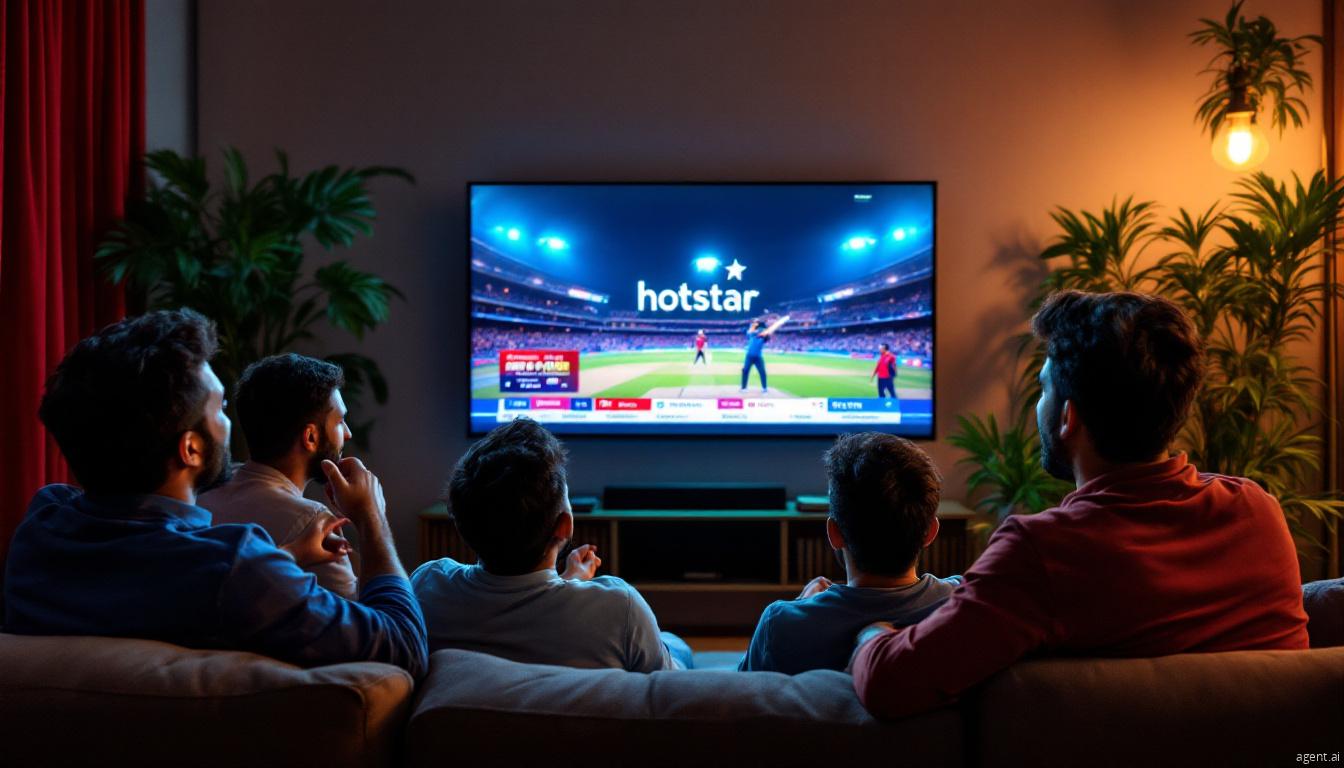
Why JioHotstar Doesn’t Work Outside India
 Why JioHotstar Doesn’t Work Outside India
JioHotstar is geo-restricted. That means it checks your location based on your IP address and blocks access if you’re not in India.
A normal internet connection abroad won’t work — no matter which Firestick settings you change.
To fix this, you need an India-based connection on your Fire TV Stick.
That’s where AeroShield comes in.
What I Use: AeroShield on Fire TV Stick
 What I Use:
 I personally use AeroShield, because it works smoothly with Firestick and doesn’t require complicated setups.
It gives your Fire TV Stick an Indian IP, so JioHotstar thinks you’re still in India.
Another big plus: AeroShield offers a free trial , so you can test everything before paying a single dollar.
How to Watch JioHotstar on Firestick (Step by Step)
I’ll keep this simple — no technical headache.
Make sure your Firestick is updated and connected to Wi-Fi.
On your Fire TV Stick, install the modified Outline app for TV Sticks (this is the app used by AeroShield).
After signing up with AeroShield >>>, you’ll receive an access key. This is what connects your Firestick to the Indian server.
Open the Outline app on your Firestick, paste the access key, and connect. That’s it — no extra settings needed.
Now launch the JioHotstar app. It should open normally, with full access to live sports, movies, and TV shows.
That’s exactly how I do it — it takes just a few minutes the first time.
Why This Method Is Perfect for Indians Abroad
 Works in UAE, UK, Canada, Australia, Germany, Saudi Arabia, Pakistan, South Africa… etc Optimized for streaming (smooth IPL and live matches) Works perfectly on Fire TV Stick No complex configs or technical knowledge needed Free Trial available — test everything first
You don’t risk anything. If it works for you (and it usually does), you can continue.
If not, you simply stop.
If you’re an Indian living abroad and missing JioHotstar on your Firestick, you’re not alone — and you’re definitely not out of options.
I’ve tested this setup myself, and AeroShield makes the whole process easy and stress-free.
My advice: try it with the free trial, check your favorite content, and see the difference instantly. Once it’s set up, you’ll forget you’re even watching from outside India.
⭐ Reviews from Real Aeroshield Users

Rahul Sharma — Amazon Fire TV stick
I moved to the USA and suddenly my Fire TV Stick stopped opening Hotstar.
After trying many methods, I finally found Aeroshield and it worked instantly.
The free trial helped me understand everything before paying — super smooth setup.

Imran Desai — Firestick
Living in the UAE means Hotstar normally doesn’t work at all.
Aeroshield fixed the problem immediately — no buffering, no errors.
I loved that they offer a free trial, so I only paid after confirming it really worked.

Arjun Patel — Amazon Firestick
I’m currently in the UK, and my Firestick simply refused to load JioHotstar.
Aeroshield made it work perfectly — IPL streams run flawlessly and the setup took less than 5 minutes.
If you are looking for How to Install JioHotstar on Amazon Fire Stick, >>> this articleis for you.


Recent Comments