

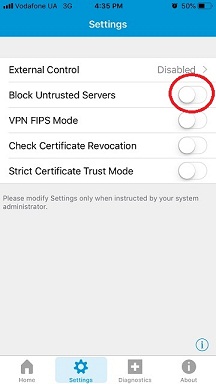
2. Open Anyconnect app and in Settings section disable (switch OFF) “Block Untrusted Servers”.
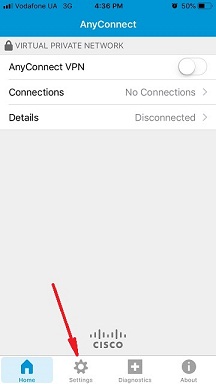
3. Back to Home, tap Connections -> Add VPN Connection.
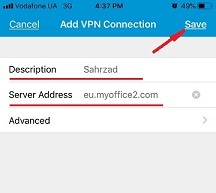
4. Enter Description (any name) and Server Address (take it from your VPN account data). Tap Save
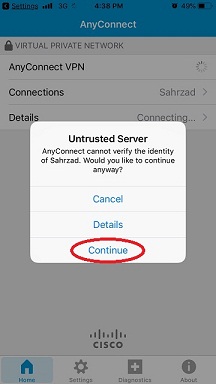
5. Swipe the AnyConnect VPN switch from OFF to ON and tap Continue
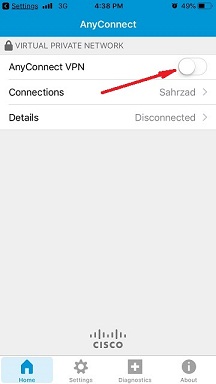
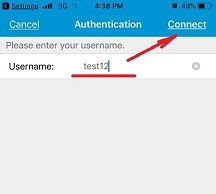
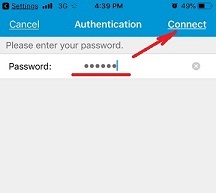
6. Input Username tap Connect, input Password and tap Connect.
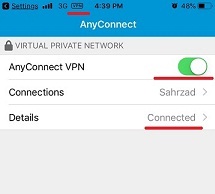
7. Wait for the connection.
Video Tutorial: